FAQs | Analysis Feature
Getting Started
Lets get started, some simple steps to follow.
1. Login to the stream portal. Select the admin link Analysis, then select Team tab.
2. Get the Team list from the SFA Comet sysatem. This is crucial to get the list in the correct format. The next fixture will be set. set the Short Team Names, copy and past the Team List sections into the Team and Subs section, ensuring there are no extra lines after the team list (there will be 11 lines only). Press Save.
3. Setup a vmix Frame for a Red/Yellow card. Use the Title 10- Dyno frame. Once the frame has been added, right-click and select Data Source. Manage, +, Excel/CSV, Name : RedYellow, URL: https://parstv.co.uk/analysis/parstv_redyellow2.txt, tick use firstrow as column names then OK.
4. On the Data Source form, slect the Data Source and select RedYellow from th elist.tick Apply to all fields in this Title then OK
5.You will now see the frame. goto to the Stats form where you see the list of buttons.
you can now select
-- Yellow H, Red H, Yellow A, Red A.
choose one and then select a player from the list and Save. The data will then automatically appear in the Title RedYellow. this can then be overlayed on the output stream.
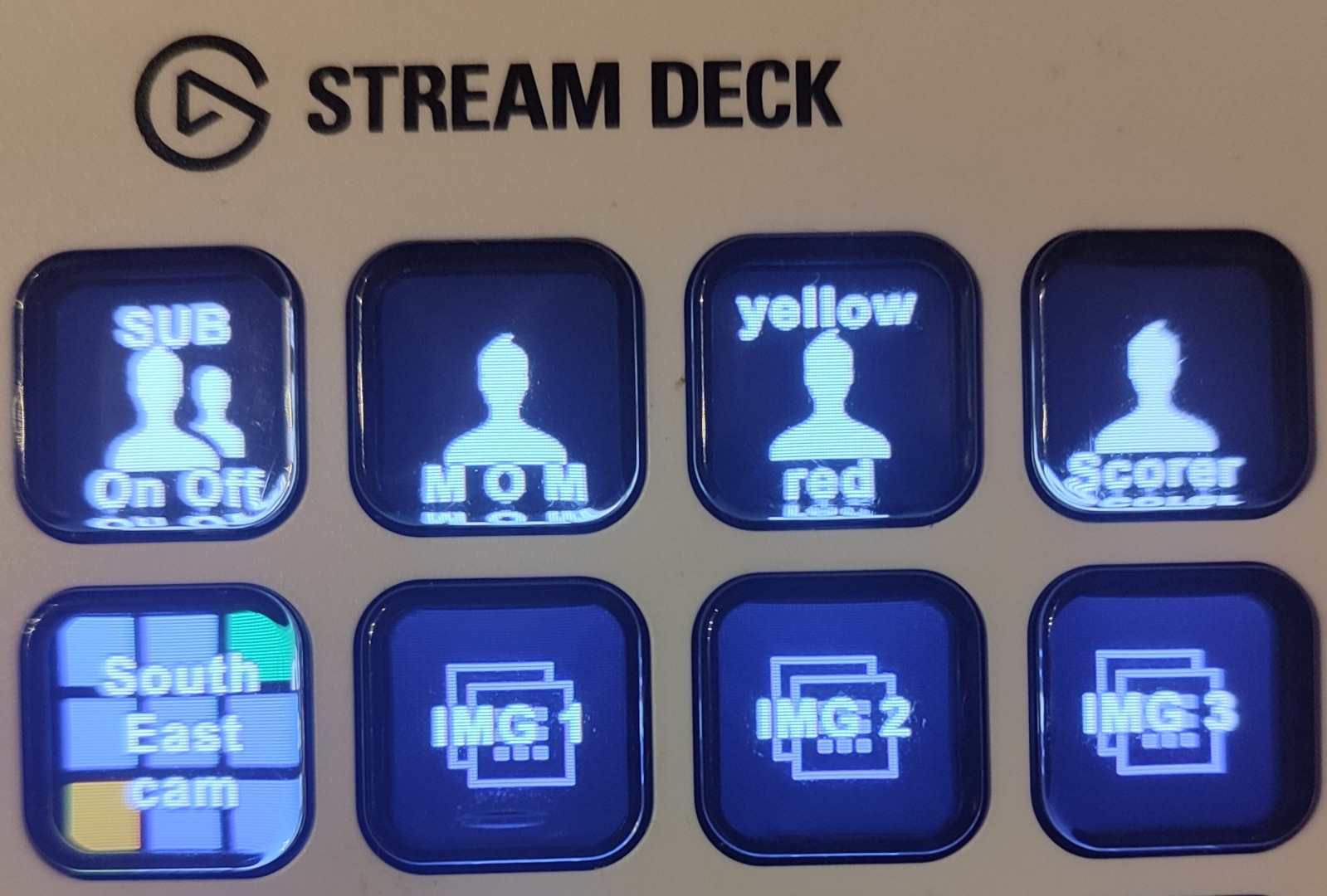
A sample set of Stream Deck buttons to tie in with new Titles: